

Artificial intelligence is now central to how businesses and individuals work. By 2026, AI tools are managing complex tasks, automating workflows, and saving time across industries. Here are 10 AI tools shaping productivity, creativity, and problem-solving:
- ChatGPT: A cognitive assistant powered by GPT-5, used for research, coding, and automating tasks. Features include a 1-million-token context window and multimodal capabilities.
- Gemini: Integrated into Google Workspace, it handles multi-step workflows and deep research with tools like CLI and Agentic Vision.
- Veo: A video production tool creating 4K content from text commands, ideal for ads and prototypes.
- Claude: Excels at sustained reasoning and coding tasks, with a 200,000-token context window and autonomous capabilities.
- Grok: Real-time data analysis from X (formerly Twitter) with advanced reasoning and image generation.
- NotebookLM: Focused on document-based insights, minimizing AI errors with Retrieval-Augmented Generation.
- ElevenLabs: Manages customer interactions with expressive voice AI and seamless CRM integration.
- Synthesia: Simplifies video creation with AI avatars, dubbing, and document-to-video conversion.
- Zapier: Automates workflows across 9,000+ apps, with AI-driven troubleshooting and security guardrails.
- Granola: A meeting assistant that records and organizes insights for easy access and team collaboration.
These tools are transforming how we work, allowing us to achieve more in less time. Whether you’re in tech, creative industries, or customer service, these solutions are worth exploring.
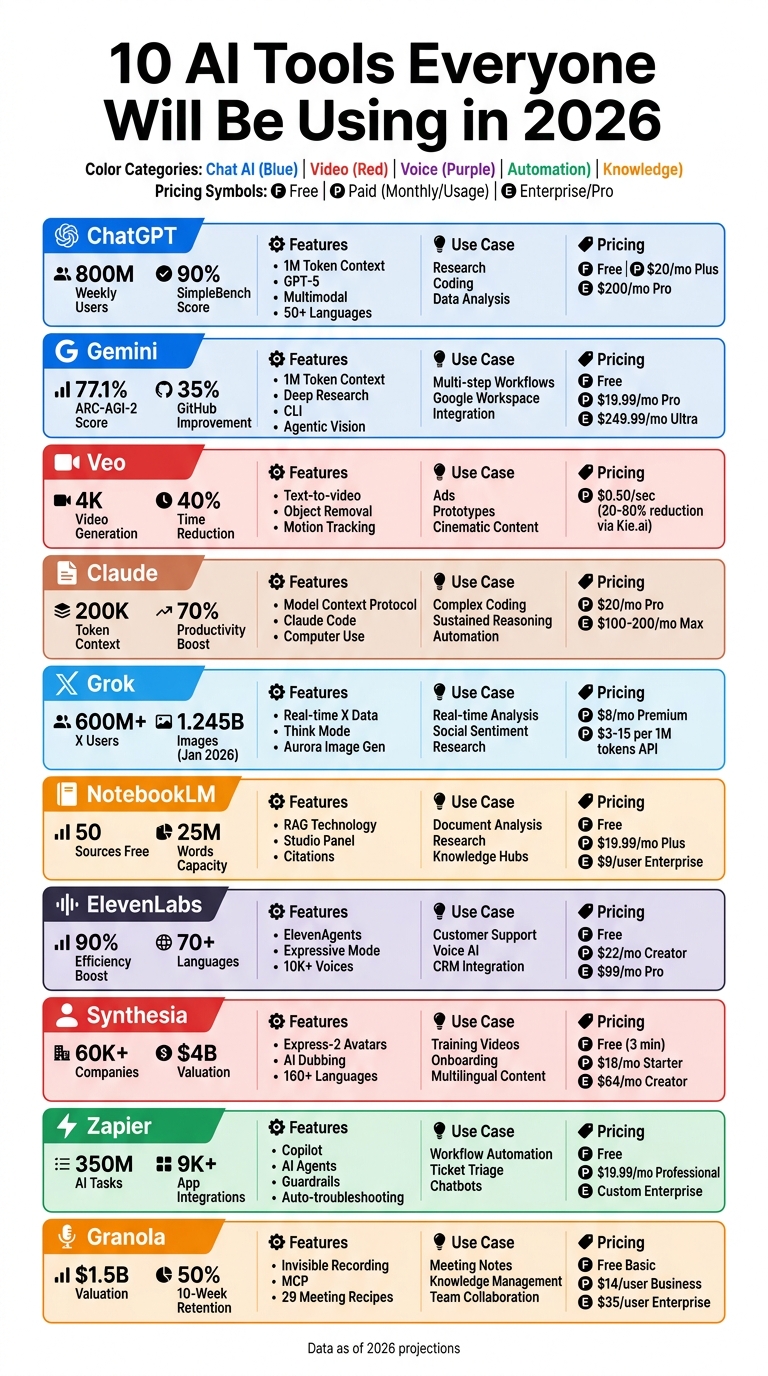
10 AI Tools for 2026: Features, Pricing, and Use Cases Comparison
The Only 7 AI Tools You Need in 2026
1. ChatGPT
By 2026, ChatGPT has evolved into a powerful cognitive operating system, attracting 800 million weekly active users. It has become a go-to tool for research, coding, data analysis, and content creation.
Powered by GPT-5, which launched in August 2025, ChatGPT leverages advanced o3 and o3-pro reasoning models to solve complex problems with remarkable speed. For example, it can untangle intricate supply chain issues in just 2 minutes – tasks that once took 2 hours in Excel. It also achieved an impressive 90% on SimpleBench, making it the first AI to surpass average human performance on challenging reasoning tasks.
Features That Tackle Everyday Challenges
ChatGPT boasts a 1 million token context window, which allows users to process extensive materials like entire codebases, lengthy conversation histories, or full-length books in a single session. This feature is particularly valuable for tech professionals, enabling them to refactor outdated code or create detailed project documentation without interruption.
Its multimodal capabilities handle text, images, data, and audio simultaneously. The native audio mode supports emotive speech in over 50 languages, making it an essential tool for global teams working on localization. Additionally, a built-in Python environment facilitates direct code execution, perfect for tasks like financial forecasting and data visualization.
Use Cases for Tech Professionals and Businesses
ChatGPT is transforming workflows, with organizations reporting a 40% to 70% reduction in time spent on analysis and coding tasks. At major tech companies like Google, nearly 75% of software code is now AI-generated, with ChatGPT playing a critical role in debugging and architectural planning.
The rise of “agentic” workflows means ChatGPT can autonomously plan and execute multi-step tasks with minimal oversight. IT teams use it to automate routine tasks like invoice processing, troubleshoot technical issues, and coordinate other AI tools through API integrations. For non-technical staff, features like “vibe coding” allow them to describe software needs in plain language, which the AI then converts into production-ready code.
ChatGPT offers flexible pricing options: a free tier, $20/month for Plus (full GPT-5 access), and $200/month for Pro (maximum reasoning capabilities).
Next, we’ll explore Gemini’s groundbreaking approach.
2. Gemini
Gemini has grown from being just a chatbot to becoming a system capable of managing multi-step workflows across digital platforms. By 2026, it’s fully integrated into widely used tools like Chrome, Gmail, Docs, Sheets, and even your terminal. This makes Gemini a go-to productivity hub for everyday tasks.
With a 1-million-token context window, Gemini can process entire codebases up to 30,000 lines or technical documents as long as 1,500 pages in a single session. The Gemini 3.1 Pro model significantly improved over its predecessor, achieving a 77.1% score on the ARC-AGI-2 benchmark and a 99.3% success rate on telecom-specific tool-use tests. Additionally, its GitHub performance showed a 35% improvement in resolving software challenges.
Features That Solve Everyday Problems
Gemini comes packed with tools designed to save time and simplify complex tasks:
- Deep Research Agent: This feature scans hundreds of websites and compiles detailed reports in minutes, cutting down hours of manual research.
- Gemini CLI: A coding assistant built for the terminal, offering 1,000 free requests per day. It lets developers seamlessly integrate AI-generated outputs into shell scripts and CI/CD pipelines.
- Agentic Vision: Perfect for visual troubleshooting, this tool zooms into hardware diagrams and runs code to provide answers backed by visual evidence.
These features make technical workflows smoother and more efficient, helping professionals navigate their digital workspaces with ease.
In May 2026, Wayfair adopted Gemini 3 Pro to transform intricate partner support procedures into clear infographics. This helped field teams better understand technical information. Fiona Tan, Wayfair’s CTO, highlighted its impact:
“It’s a clear step forward in handling structured business tasks that require precision and consistency – helping our teams grasp key information faster.”
Businesses using Gemini in Workspace have reported impressive results, including a 40% reduction in routine reporting time, 50% faster proposal creation, and a 70% drop in calendar management issues.
Use Cases for Tech Professionals and Businesses
Gemini is versatile enough to adapt to various professional needs. Here’s how it’s being used:
- For Tech Teams: Chrome Skills allow for one-click browser automations, such as extracting pricing data or summarizing research from multiple tabs.
- For Developers: Google Antigravity, an agent-first IDE, orchestrates asynchronous coding tasks through a Manager Surface, making complex development projects easier to manage.
- For Customer-Facing Operations: Gemini Enterprise for Customer Experience (CX) connects chat and voice interfaces directly to backend tools, enabling seamless technical resolutions.
Gemini offers flexible pricing tiers to suit different needs:
- Free Tier: Includes Gemini 3 Flash, Deep Research, and CLI access.
- Google AI Pro: Priced at $19.99/month, it provides increased limits and 5 TB of storage.
- Google AI Ultra: At $249.99/month, it includes maximum usage limits, Deep Think mode, and 30 TB of storage.
These features and pricing options make Gemini not just a productivity tool but a foundation for exploring advanced solutions like video generation tools.
3. Veo
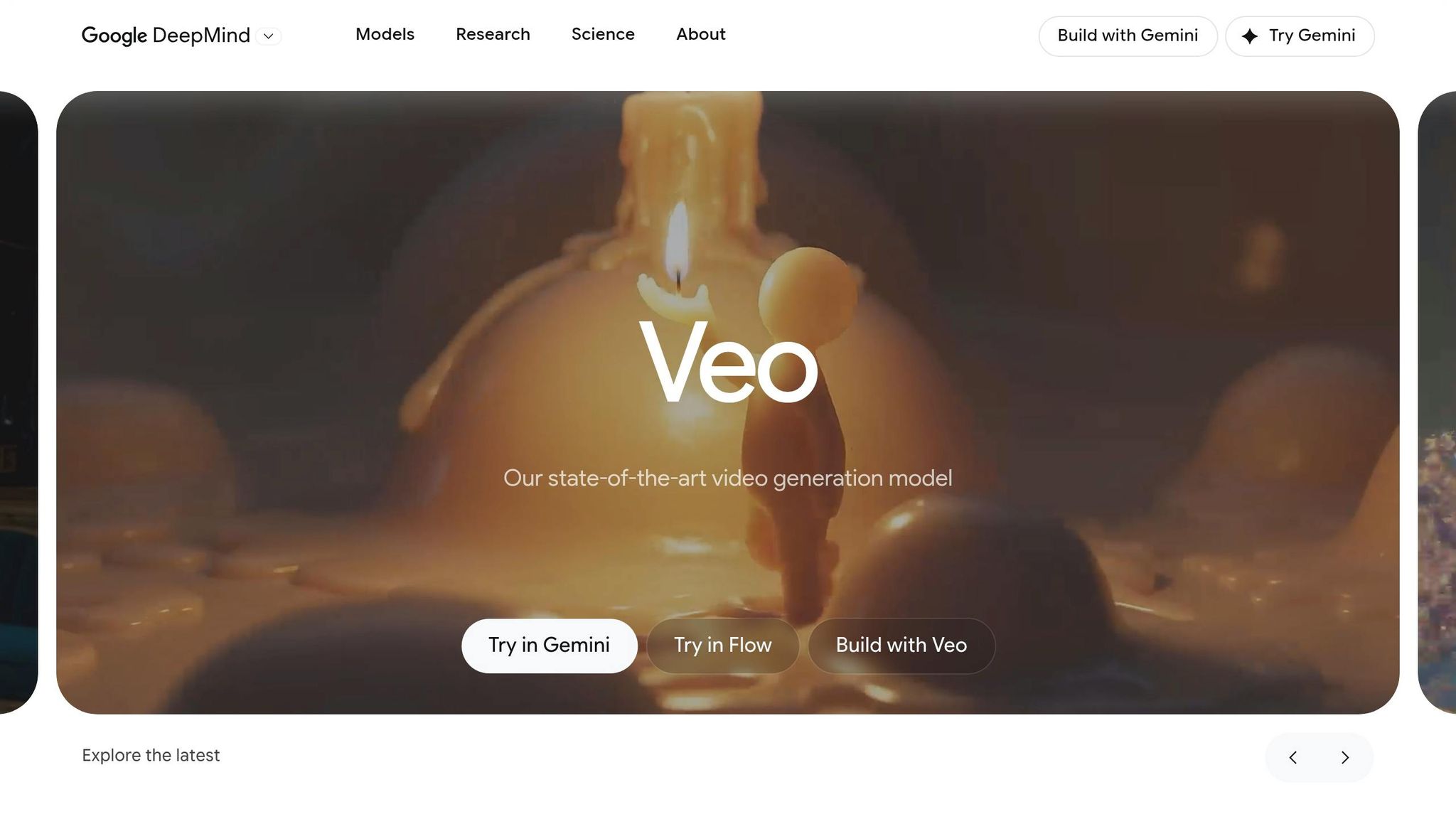
Veo takes AI a step further by bringing its power to immersive video production. This AI-driven video model creates broadcast-level footage with impressive quality. By 2026, businesses are leveraging Veo for everything from cinematic advertisements to virtual prototypes, all through simple natural language commands.
Features That Simplify Video Production
Veo is built on the 2026 Multimodal Standard, meaning it can handle text, 4K video, and live audio seamlessly – no extra plugins needed. Users can specify tasks like removing objects, generating scenes, tracking motion, or applying style changes, slashing production time by around 40%.
For tech professionals, Veo integrates easily through unified API gateways like Kie.ai, which combine multiple models into a single workflow. While using Veo’s API directly might cost up to $0.50 per second of video generated, platforms like Kie.ai can reduce these costs by 30–80%. This makes Veo a practical choice for quick prototyping and creative projects.
How Businesses and Professionals Use Veo
Veo is a go-to tool for businesses creating virtual prototypes or producing cinematic ads in-house. Marketing teams and product developers rely on it to craft demo videos for stakeholder presentations. It also fits perfectly into workflows where AI agents handle complex, multi-step creative tasks autonomously.
4. Claude
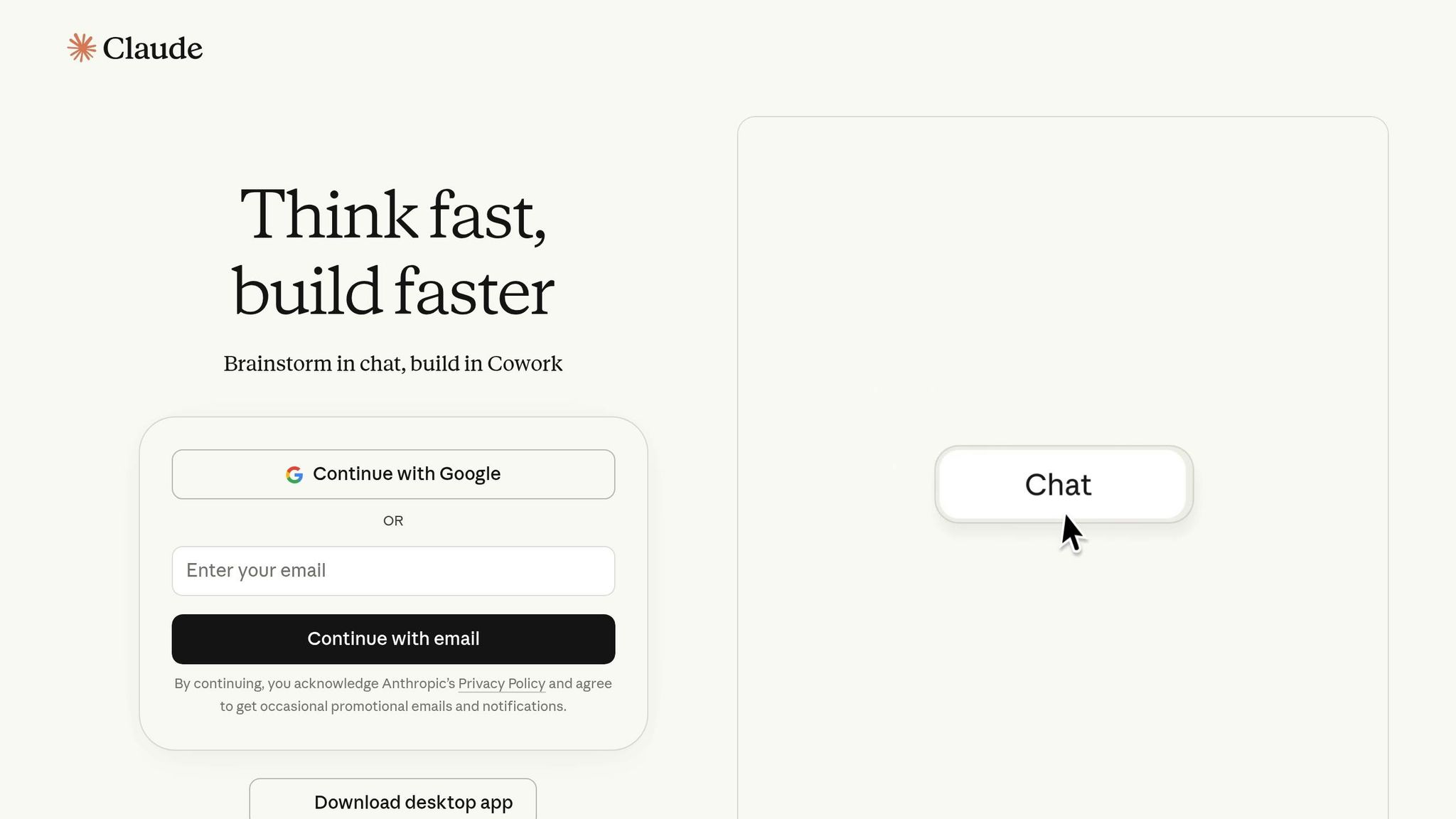
Claude is designed for handling intricate tasks and sustained reasoning, making it a favorite among professionals by 2026. Whether it’s drafting comprehensive reports or restructuring complex codebases, Claude has become an indispensable tool.
Features That Solve Everyday Problems
With a 200,000-token context window and the Model Context Protocol, Claude seamlessly integrates with external systems like Notion, databases, and custom APIs. This allows for persistent, cross-session memory, enabling the AI to tackle complex, multi-step tasks efficiently. These capabilities align with the growing reliance on AI to streamline workflows and improve productivity.
For developers, Claude Code operates directly from the terminal, capable of reading files, executing shell commands, and running tests autonomously. A notable example occurred in January 2026 when Jaana Dogan, a principal engineer at Google, used Claude Code to address a distributed agent orchestration issue her team had struggled with for a year. With just a three-paragraph description, Claude delivered a functional prototype in under an hour. Anthropic revealed that some internal engineering teams now rely on Claude Code for 90% of their coding, leading to a 70% boost in productivity for engineers.
Ability to Improve Productivity and Simplify Operations
Claude’s autonomous abilities simplify operations by managing tasks independently. Its Computer Use feature allows it to operate your computer – handling files, responding to CRM requests, and organizing folders without human input. Meanwhile, the Cowork interface automates repetitive administrative tasks, such as summarizing Slack discussions or generating status reports from project files.
“Claude is incredible… The coding capability of Claude, its reasoning capability… it’s used by engineers, marketeers and supply chain planners all over companies.”
- Jensen Huang, CEO, NVIDIA
Regular AI users report saving over nine hours per week on average, while Anthropic employees have achieved a 50% productivity increase using Claude[36,38]. Among developers, Claude Code has earned a 46% “most loved” rating by early 2026, surpassing competing tools.
Use Cases for Tech Professionals and Businesses
Claude’s agent-like functionality proves valuable across a variety of professional settings. In tech support, it automates ticket triage, incident analysis, and runbook execution. By integrating with DevOps tools, Claude generates incident summaries and conducts real-time alert analysis. For network management, it traces dependencies across multiple files to prevent potential disruptions before deploying updates. Teams utilizing multi-agent AI setups report resolving bugs 35–40% faster, thanks to real-time context awareness.
Pricing for Claude Pro starts at $20 per month, while Claude Max is available at $100/month for five times the usage or $200/month for 20 times the usage – ideal for power users[34,38]. Heavy API users typically spend $100 to $300 per month, depending on token consumption.
Next, we’ll explore how Grok is pushing the boundaries of AI capabilities further.
5. Grok
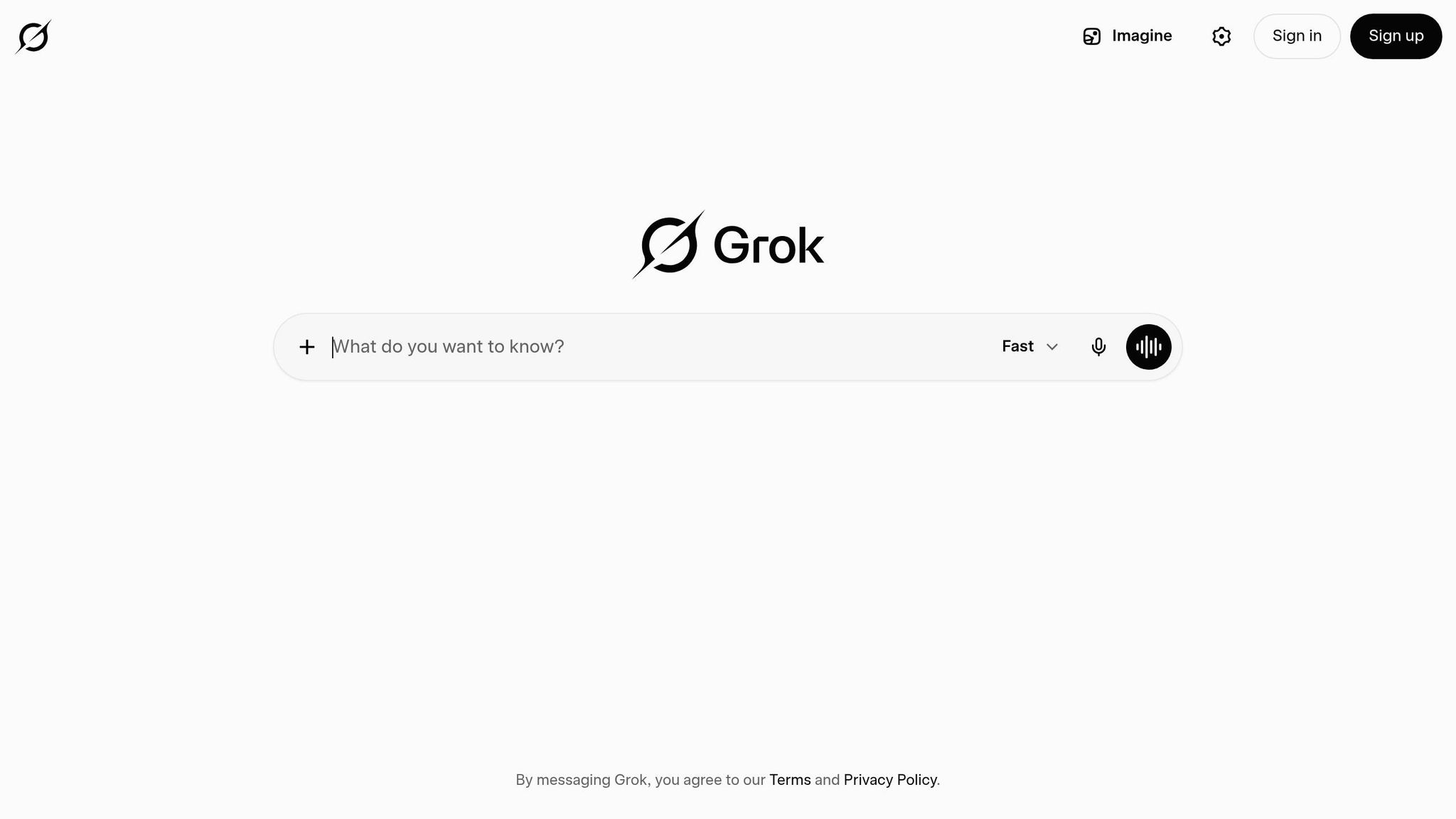
Grok provides real-time access to the complete X (formerly Twitter) data stream as of 2026. This seamless integration allows Grok to analyze breaking news, trending topics, and social sentiment directly, rather than relying on conventional web searches [43, 44]. With a user base of over 600 million monthly active users on X, Grok can query public posts in real time, offering insights that are hard to match. These capabilities set the stage for the standout features detailed below.
Features That Tackle Everyday Challenges
Grok’s Think mode uses chain-of-thought reasoning to solve intricate problems, such as advanced math, logic puzzles, and multi-step coding tasks. This approach has boosted its mathematical reasoning accuracy from 59% to 76%. For businesses handling large volumes of routine tasks, Grok 3 Mini provides a budget-friendly solution, costing just $0.30 per 1 million input tokens and $0.50 per 1 million output tokens. Meanwhile, the Grok 4.20 Multi-agent beta boasts the lowest hallucination rate in its lineup, ensuring dependable autonomous task execution for enterprise users [43, 44].
Grok’s capabilities extend beyond text. The Aurora image generator created over 1.245 billion images in January 2026 alone, while its video generation API produces high-resolution clips up to 10 seconds long, priced at $0.05 per second. The Deep Search feature takes research to a new level by performing multi-step queries across the web and X, synthesizing the results into detailed reports. This makes it an excellent tool for tasks like troubleshooting complex infrastructure issues or conducting in-depth market analysis [43, 10].
Applications for Tech Professionals and Businesses
Grok’s practical applications are already making waves. In January 2026, the US Department of Defense began using Grok for its real-time data processing and reasoning capabilities. After SpaceX acquired xAI in February 2026, Grok’s voice assistant technology was integrated into Starlink’s customer support and Tesla’s in-car voice systems. For tech support teams, Grok monitors X to detect emerging software bugs, patches, and service outages – delivering faster feedback compared to traditional methods. Its extensive context window, capable of processing up to 1 million tokens, makes it ideal for analyzing technical manuals, support logs, and entire codebases with precision.
Grok’s pricing is straightforward: X Premium starts at $8 per month and includes basic Grok access along with image and video generation features. For API access, Grok 3 costs approximately $3 per 1 million input tokens and $15 per 1 million output tokens. Enterprise users can tap into the advanced Grok 4.20 multi-agent model via the xAI Enterprise API.
6. NotebookLM
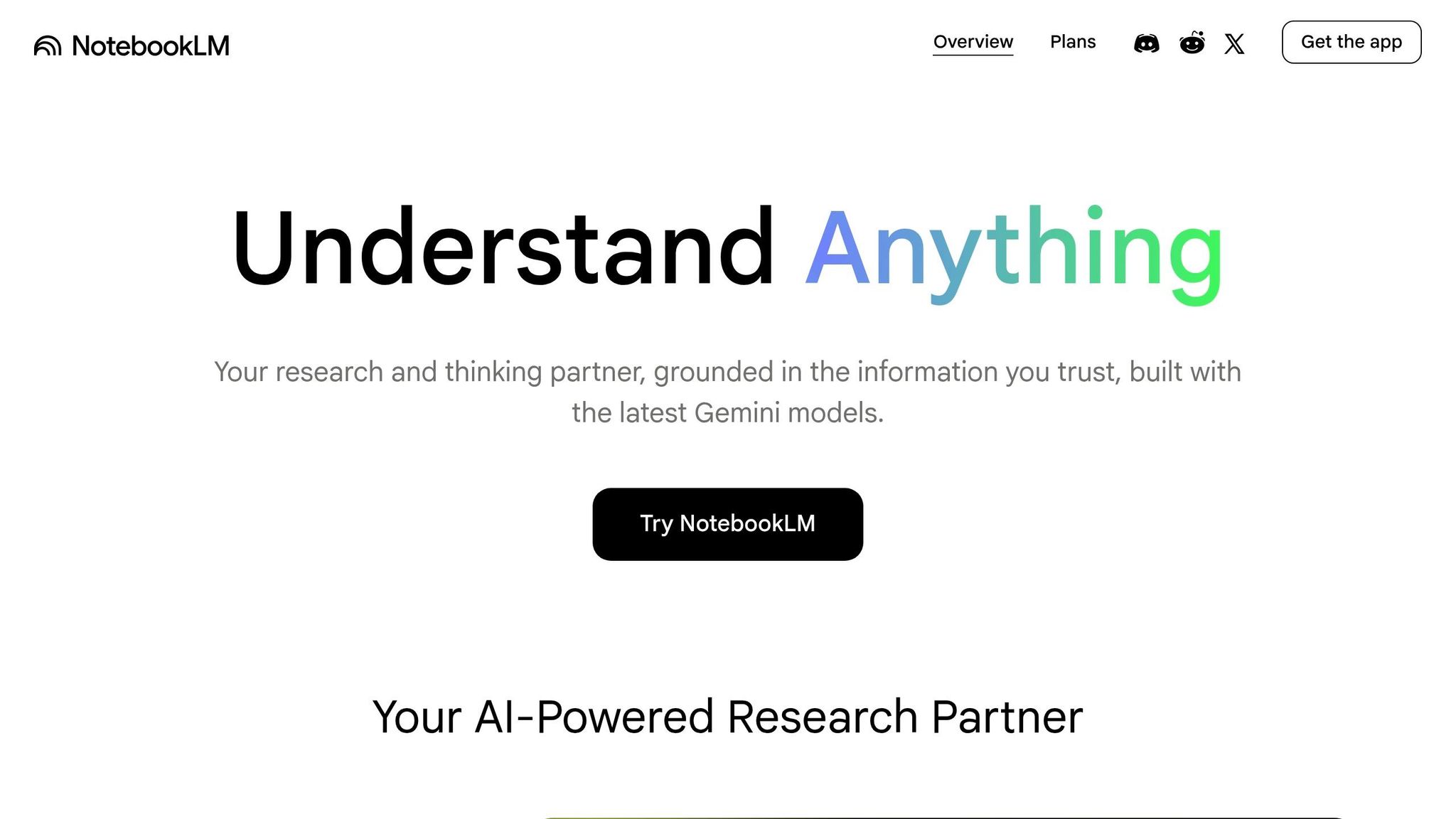
NotebookLM builds on the strengths of tools like ChatGPT and Gemini by focusing on user-provided documents. It delivers answers based solely on the content you upload, leveraging Retrieval-Augmented Generation (RAG) to minimize AI errors often referred to as “hallucinations” [47,50]. As Steven Johnson, a member of the NotebookLM team, puts it, “NotebookLM is a tool for understanding things”.
Features That Address Everyday Challenges
The Studio panel is designed to transform raw documentation into usable outputs quickly. Whether you’re working with technical manuals, API documentation, or error logs, you can generate a variety of outputs like podcasts, mind maps, slide decks, and even data tables [47,51]. The free tier allows up to 50 sources (equivalent to 25 million words), while Enterprise plans expand that limit to 600 sources per notebook, along with advanced security measures like VPC-SC compliance [48,50].
Every response includes clickable citations that link directly to the original source, making it easy to verify information instantly [47,54]. For example, in April 2026, researcher Joel Salinas uploaded eight carefully vetted sources on generative media. Using NotebookLM, he created a detailed research brief with direct quotes and statistics, describing it as his “anti-hallucination layer”.
These features make it easier for tech professionals to turn scattered information into actionable insights.
Practical Applications for Tech Professionals and Businesses
NotebookLM is particularly useful for tech teams looking to centralize their documentation. By uploading PDFs, Google Docs, and transcripts, they can create searchable knowledge hubs [56,59]. The Chat-only access feature is another standout, allowing IT administrators to enable end-user queries while keeping sensitive documents hidden [56,59]. Additionally, the Mind Map feature automatically visualizes complex system architectures from the uploaded content, helping network managers better understand their systems [47,56].
Pricing starts at $0 for the free tier, which includes 100 notebooks and 50 sources per notebook. The Plus/Pro plan, priced at $19.99 per month, increases limits to 500 notebooks and 300 sources per notebook. For businesses, Enterprise licenses start at around $9 per user per month, offering added benefits like audit logs, Customer-Managed Encryption Keys, and data residency controls compliant with US or EU standards [47,50].
Next, we’ll explore how AI tools continue to drive operational improvements.
7. ElevenLabs
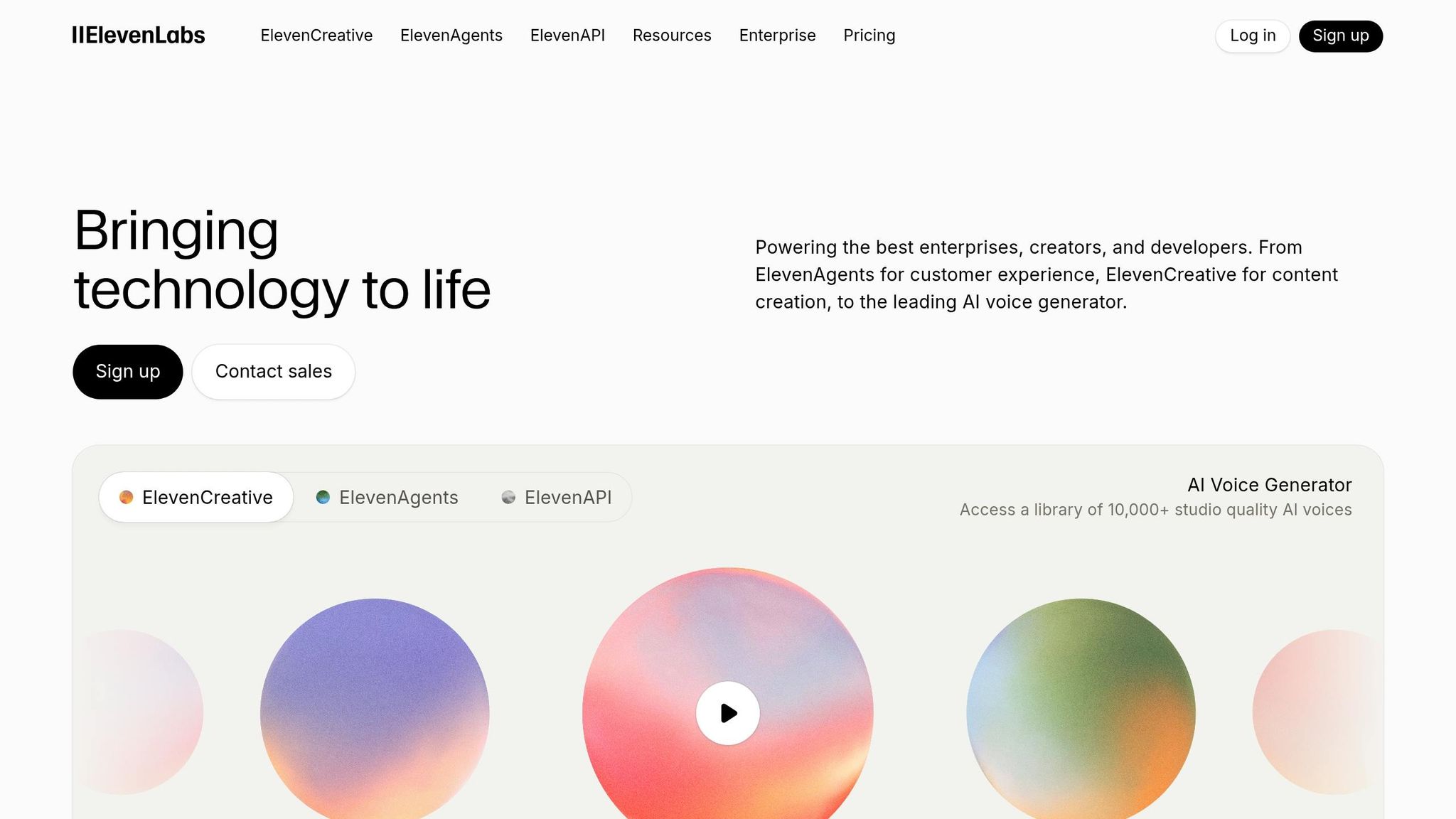
ElevenLabs has evolved from simple voice generation to a platform designed for dynamic conversational AI. ElevenAgents for Support is its standout feature, managing customer interactions across both voice and digital channels. It follows your company’s Standard Operating Procedures to resolve tickets and calm frustrated users. The platform integrates seamlessly with telephony systems via SIP trunks, PBX setups, and providers like Twilio and Genesys, giving tech teams the tools to efficiently oversee communication networks. These features are built to tackle common support challenges head-on.
Features That Address Everyday Support Needs
The platform employs Retrieval-Augmented Generation, connecting agents directly to internal resources like documentation, FAQs, and technical guides. This ensures responses are accurate and based on your company’s data. Expressive Mode allows for precise control over emotional tone, helping agents reassure customers during outages or confidently navigate complex troubleshooting. Managers can easily update agent workflows using simple text instructions, such as “use this process for password resets next time”, eliminating the need for coding.
ElevenLabs delivers lightning-fast speech recognition, reasoning, and synthesis, ensuring there are no awkward pauses during interactions. For cases that become too intricate, the system smoothly transfers the conversation to human agents, complete with synced conversation history in your CRM and ticketing systems. The platform is equipped for emotionally aware conversations in over 70 languages and offers access to a library of more than 10,000 expressive voices.
Use Cases for Tech Teams and Businesses
These advanced capabilities have already transformed operations for several major companies. For instance, Freedom Forever saw a 90% boost in support efficiency after adopting ElevenAgents. Similarly, Deutsche Telekom, Europe’s largest telecom provider, integrated the platform to manage high volumes of frontline customer service. Julia Ponomareva, Director of CX and AI Products at Revolut, shared:
“Operating across nearly 40 markets, we needed a provider that could match the complexity, speed and language support required without making sacrifices on quality”.
ElevenLabs offers flexible pricing options: a free tier, the Creator plan at $22 per month, and the Pro plan at $99 per month. Business plans are usage-based, billed at $0.08 per minute for annual commitments. Startups can also apply for 33 million free credits – valued at over $4,000 – for one year. By early 2026, the platform had reached $2 billion in annual recurring revenue, a testament to its widespread adoption across industries.
8. Synthesia
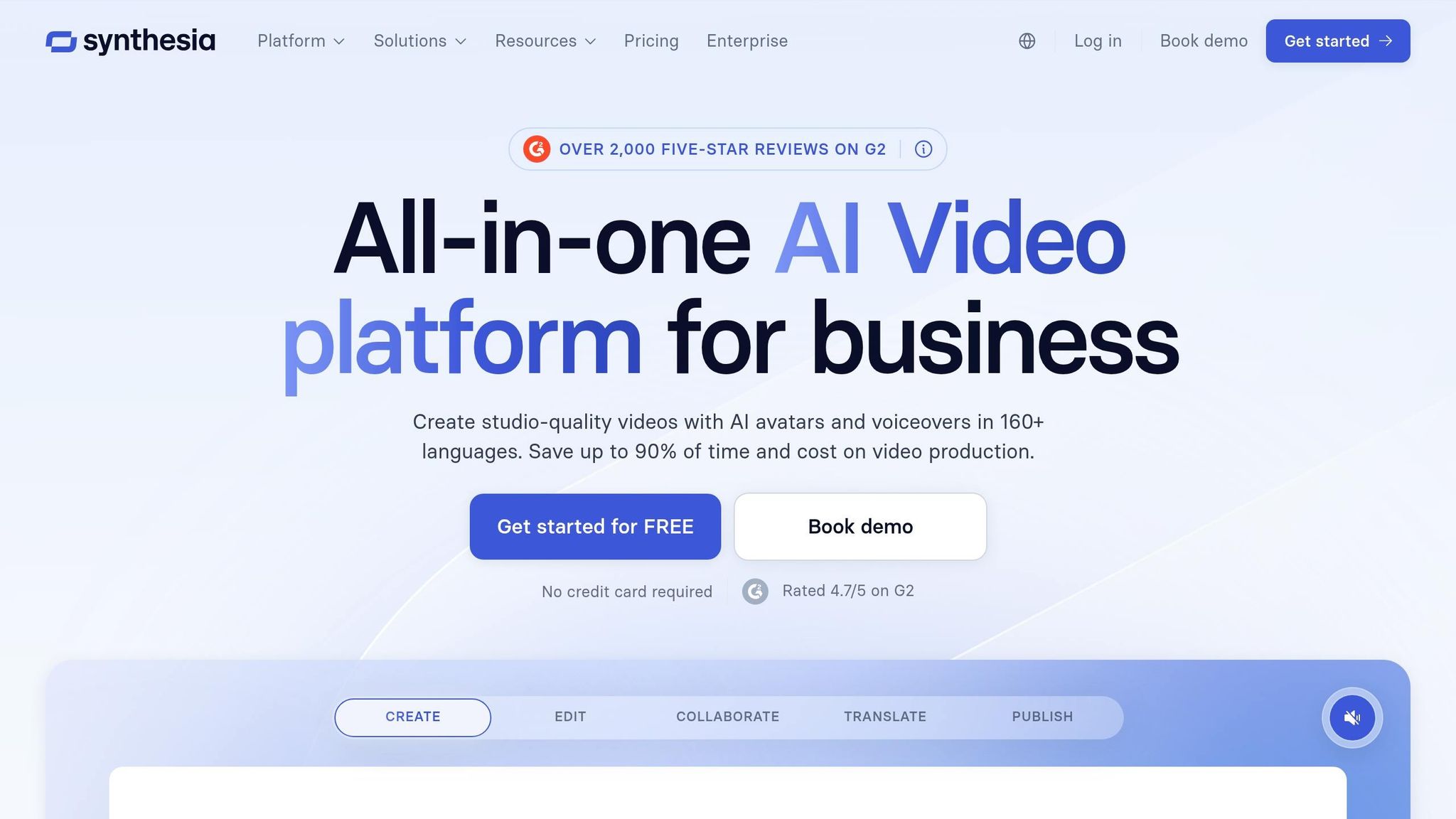
Synthesia has transformed from a simple video generator into a dynamic, interactive video platform with the release of Synthesia 3.0 in late 2025. The platform now enables the creation of real-time, interactive “Video Agents” that integrate seamlessly with existing business knowledge bases. This advancement caters to tech teams tackling challenges in employee onboarding, customer support, and large-scale training. By significantly reducing production costs and time, Synthesia has positioned itself as a go-to tool for streamlining these processes.
Features That Address Everyday Challenges
Synthesia’s latest features are designed to make video production more intuitive and effective:
- Express-2 Avatars: These full-body avatars, powered by a diffusion transformer model, include natural hand gestures to reduce the “uncanny valley” effect [69,71].
- AI Screen Recorder: A Chrome extension that captures workflows for easy documentation.
- Document-to-Video Conversion: This feature turns presentations and PDFs into narrated videos, simplifying content creation [69,70].
-
AI Dubbing: Automatically translates videos into more than 160 languages with precise lip-syncing while maintaining the speaker’s original voice and tone [69,70]. Frank van der Grijspaarde from Heineken shared his experience:
“The platform is so easy to use and intuitive… it was the first time in my career I’d been an early adopter of a new technology”.
- AI Playground: Provides access to generative models like Sora 2 and Veo 3.1, allowing users to create custom visual assets directly within the editor [69,71].
Real-World Applications for Businesses and Tech Teams
Companies around the globe are leveraging Synthesia to enhance their operations. For instance, Heineken uses the platform to train over 70,000 employees in operations and supply chain processes. AI avatars have cut video creation time from half a day to just minutes, enabling faster deployment of multilingual training materials [72,74].
Teleperformance, a company managing 380,000 employees across 170+ markets, uses Synthesia for eLearning in compliance and quality assurance. This approach has saved them $5,000 and five days of production time per video while localizing content into over 40 languages.
With over 60,000 companies, including many Fortune 100 firms, using Synthesia, the platform has cemented its reputation as a leader in video solutions. Following a $200 million Series E funding round in October 2025, the company reached a valuation of $4 billion [69,72].
Synthesia offers flexible pricing plans to suit different needs:
- Free Tier: Includes three minutes of video per month.
- Starter Plan: Costs $18 per month and provides 120 minutes annually.
- Creator Plan: Priced at $64 per month, offering 360 minutes annually.
- Enterprise Plans: Include unlimited video minutes, SCORM export for LMS integration, and SSO for secure corporate use [69,70,74].
With its ability to produce efficient, multilingual video content, Synthesia empowers businesses to improve training and customer support processes. Next, we’ll take a look at another tool that simplifies workflow automation.
9. Zapier
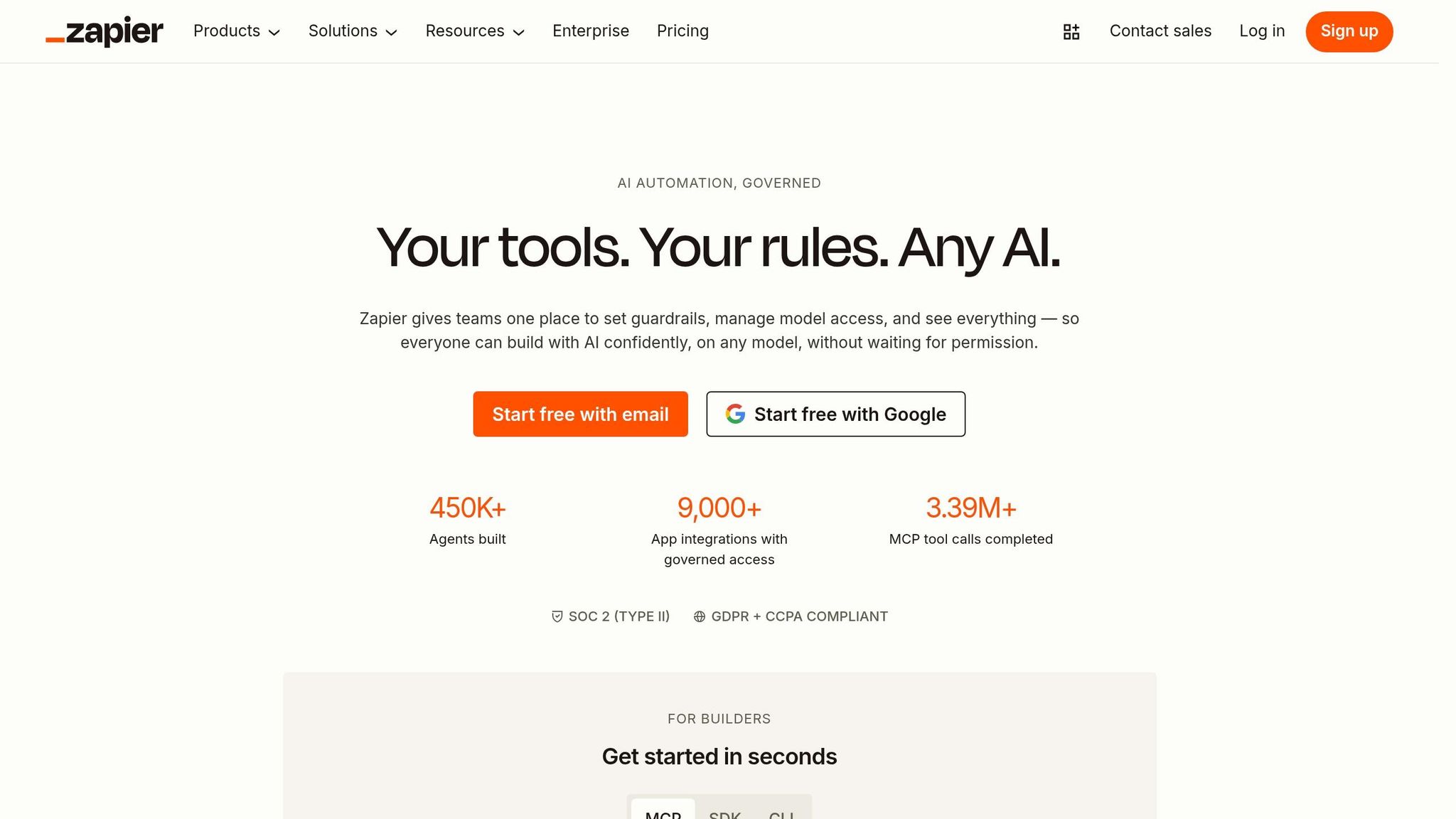
Zapier has evolved into a comprehensive AI orchestration platform, seamlessly coordinating work across more than 9,000 apps, teams, and AI models. With over 350 million AI tasks executed for more than 1 million companies, it’s become a go-to tool for simplifying operations. A staggering 97% of Zapier builders now incorporate AI features into their daily workflows, highlighting its growing importance in business operations. Let’s take a closer look at the platform’s standout features.
Features That Simplify Complex Tasks
Zapier focuses on simplifying workflows and removing operational bottlenecks. Its Zapier Copilot feature lets users create automation workflows, chatbots, or data tables simply by typing plain-English instructions. This means even non-technical users can set up sophisticated processes with ease. For professionals managing intricate tasks, Zapier Agents step in to autonomously gather data from platforms like HubSpot and Notion, perform research, and execute multi-step workflows across various tools.
Security is another key focus. AI Guardrails actively scan for sensitive information (like PII), toxic language, or malicious prompt injections before data is sent to connected apps. If a workflow encounters issues, the platform’s AI-driven troubleshooting provides clear explanations and solutions, eliminating the need for advanced technical skills to resolve problems.
Real-World Applications for Businesses and Tech Teams
Zapier has become a vital tool for tech teams and businesses alike. For example, it’s used to automate ticket triage: support requests are analyzed, categorized by topic, and routed to the right team members via Slack or Teams. Companies also build AI-powered chatbots using internal documentation to handle IT requests autonomously. For critical tasks – like external communications or financial approvals – human oversight ensures accuracy and accountability.
Pricing options include a free plan, a Professional plan at $19.99 per month (billed annually), and custom-priced Enterprise plans. With 84% of enterprise leaders planning to boost their AI agent investments through 2026, Zapier’s ability to unify disparate systems into cohesive operations is proving essential for today’s businesses. This level of automation is transforming how organizations manage their workflows.
10. Granola
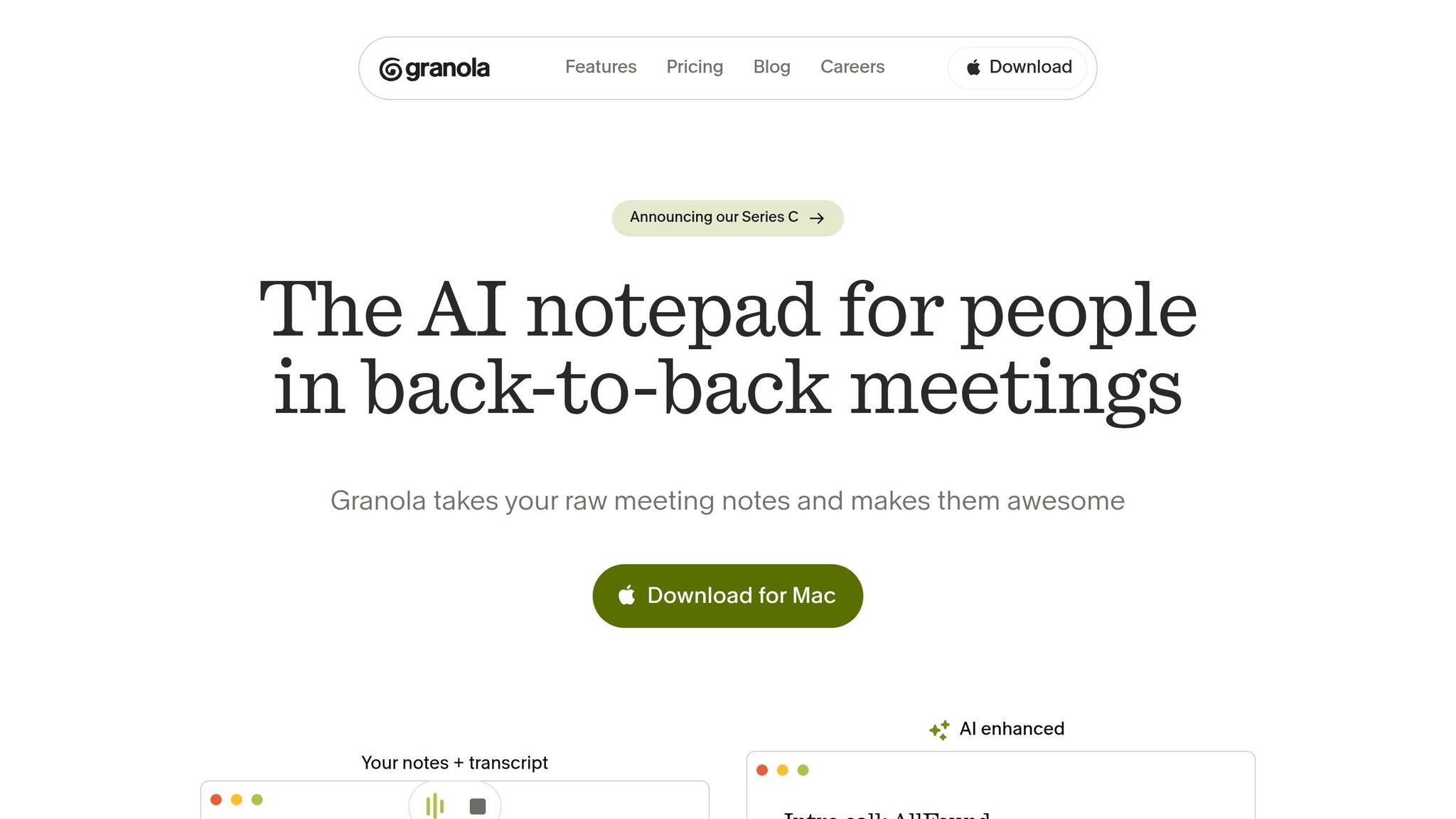
Granola is making waves as an “invisible” meeting assistant, reshaping how professionals capture and use institutional knowledge. Backed by a $125 million Series C funding round and a valuation of $1.5 billion, Granola showcases the growing appeal of AI tools that simplify the way organizations handle knowledge management. What makes Granola stand out is its stealthy design – it records system audio directly from Mac and Windows devices without showing up as a participant or triggering recording notifications. This unique approach is changing how teams extract insights from meetings to make smarter decisions.
Features That Simplify Knowledge Management
Granola offers tools designed to make meeting insights accessible and actionable. Its Enhance Notes feature blends manual shorthand with AI-generated transcripts to produce structured summaries that emphasize key points. The platform also includes 29 pre-built Meeting Recipes – templates like “Extract objections” or “Write a Brief” – to analyze meeting data in specific, targeted ways. For team collaboration, the Spaces feature creates shared, searchable workspaces with detailed access controls, enabling teams to build knowledge graphs that new hires can tap into instantly.
In February 2026, Granola introduced the Model Context Protocol (MCP), which allows AI systems like Claude, GPT-5, and Gemini to query past meeting data for context-aware assistance. This feature addresses a critical issue for AI in enterprise settings: reducing inaccuracies by providing deep institutional knowledge. For example, Salesforce reported that by early 2026, 85% of AI resolutions in enterprise contact centers relied on accurate context to avoid errors.
Practical Benefits for Tech Teams and Businesses
Granola’s tools offer clear advantages, especially for tech teams. Its Cross-Meeting Search lets users search their entire meeting history using natural language, making it easy to find specific commitments or decisions from weeks ago. Impressively, 50% of users stay active on the platform after ten weeks. Sam Stephenson, Granola’s co-founder, sums up their vision:
“We want Granola to be the primary interface where knowledge workers do most of their work”.
Granola offers flexible pricing to suit different needs. The Basic plan is free and includes 14 to 30 days of meeting history. The Business plan costs $14 per user per month and includes unlimited history, advanced AI tools, and integrations with Slack, Notion, HubSpot, and Zapier. For larger organizations, the Enterprise plan is priced at $35 per user per month, featuring SSO, admin controls, and API access. By staying out of sight, Granola ensures natural conversations while capturing every important detail.
Conclusion
By 2026, AI has firmly established itself as the backbone of how we work, create, and tackle challenges. The ten tools we explored represent a major leap forward – from basic chatbots that simply answer questions to advanced systems capable of autonomously managing complex workflows.
AI has become a cornerstone for many organizations and U.S. small businesses, proving its critical role in modern operations. These tools aren’t just about convenience – they’re about amplifying what individuals can achieve. Tasks that once required entire teams are now handled with ease, thanks to AI. For example, AI coding assistants enable developers to complete projects faster than ever before. As Ziad Boutros Tannous aptly said:
“AI will not replace you; but someone using AI will”.
The real competition isn’t between humans and machines – it’s about how effectively people leverage these tools.
To start benefiting from these advancements, focus on the 20% of repetitive tasks that consume the most time in your week. Look for tools that align with what you want to accomplish, rather than getting caught up in flashy features. Create workflows where multiple tools complement each other, instead of relying on standalone apps.
The widespread adoption of major AI platforms, now used by hundreds of millions, shows that this technology is no longer experimental or niche. With accessible pricing across different tiers, AI tools are available to businesses and individuals alike. This shift isn’t just inevitable – it’s essential for staying competitive.
The time to integrate AI into your workflow is now. These tools are already transforming how businesses operate and how people approach their work, from tech support to network management and beyond. Ignoring these advancements risks being left behind.
FAQs
Which tool should I start with for my job?
The ideal AI tool to begin with largely depends on what you do, but ChatGPT stands out as a flexible choice. It’s great for tasks like writing, coding, research, and organizing workflows. If you’re a developer, Cursor can streamline coding and help manage projects efficiently. For those focused on research and data analysis, Perplexity AI is a solid pick. Starting with ChatGPT is a smart way to tap into AI’s potential to enhance productivity as we move into 2026.
How do I keep company data safe with AI tools?
To keep your company data secure in 2026, leveraging AI-driven cybersecurity platforms is a must. These tools are designed to detect threats, respond swiftly, and protect sensitive information. By using machine learning and behavioral analytics, they can identify vulnerabilities, monitor data activity, and address risks proactively.
Integrating AI security into your development processes is another critical step. Automating vulnerability detection not only ensures data integrity but also streamlines the process of identifying and fixing potential issues. Additionally, staying informed about the latest AI-powered threat intelligence equips businesses to tackle new and evolving cyber threats more effectively.
How can I link multiple AI tools into one workflow?
To bring multiple AI tools together into one workflow, consider using AI workflow automation platforms. These platforms are designed to link various AI systems, ensuring smooth data transfer and task automation. All you need to do is choose a platform compatible with your tools, set up triggers, and define actions to automate specific processes. This method simplifies operations, allowing your AI tools to function in harmony without needing heavy coding expertise.
Related Blog Posts
- Accessibility and Assistive Technology: A Beginner’s Guide
- Disability Friendly Technology: An Overview
- Technology for Remote Work: Essential Tools
- 10 Best Apps for Blind & Visually Impaired Users 2024
Did this solve your problem?
Your answer helps Supportia prioritize updates. No account or email is required.
Related guides

Complete Guide to Using AI Tools in 2026 for Beginners
Artificial intelligence (AI) has rapidly evolved into a transformative force, touching everything from content creation to productivity, business automation, and even creative endeavors like…
Historical guide — verify current detailsBest Game Booster for PC in 2026: 5 Tools to Reduce Lag, Ping, and Packet Loss
Online gaming has become more competitive than ever. Whether you're playing Call of Duty, Fortnite, PUBG, Valorant, Apex Legends, Delta Force, or other multiplayer…
Reviewed 2026-08-247 Best Ways to Type Faster on iPhone Without Using the Keyboard
This article contains affiliate links. If you make a purchase through one of these links, we may earn a commission at no additional cost…
Historical guide — verify current details